
When requesting Technical Support for a TDcH or TDmH, a Headend a Log File should be downloaded from the affected Headend and sent to:
To Download a Log File from the Headend simply:
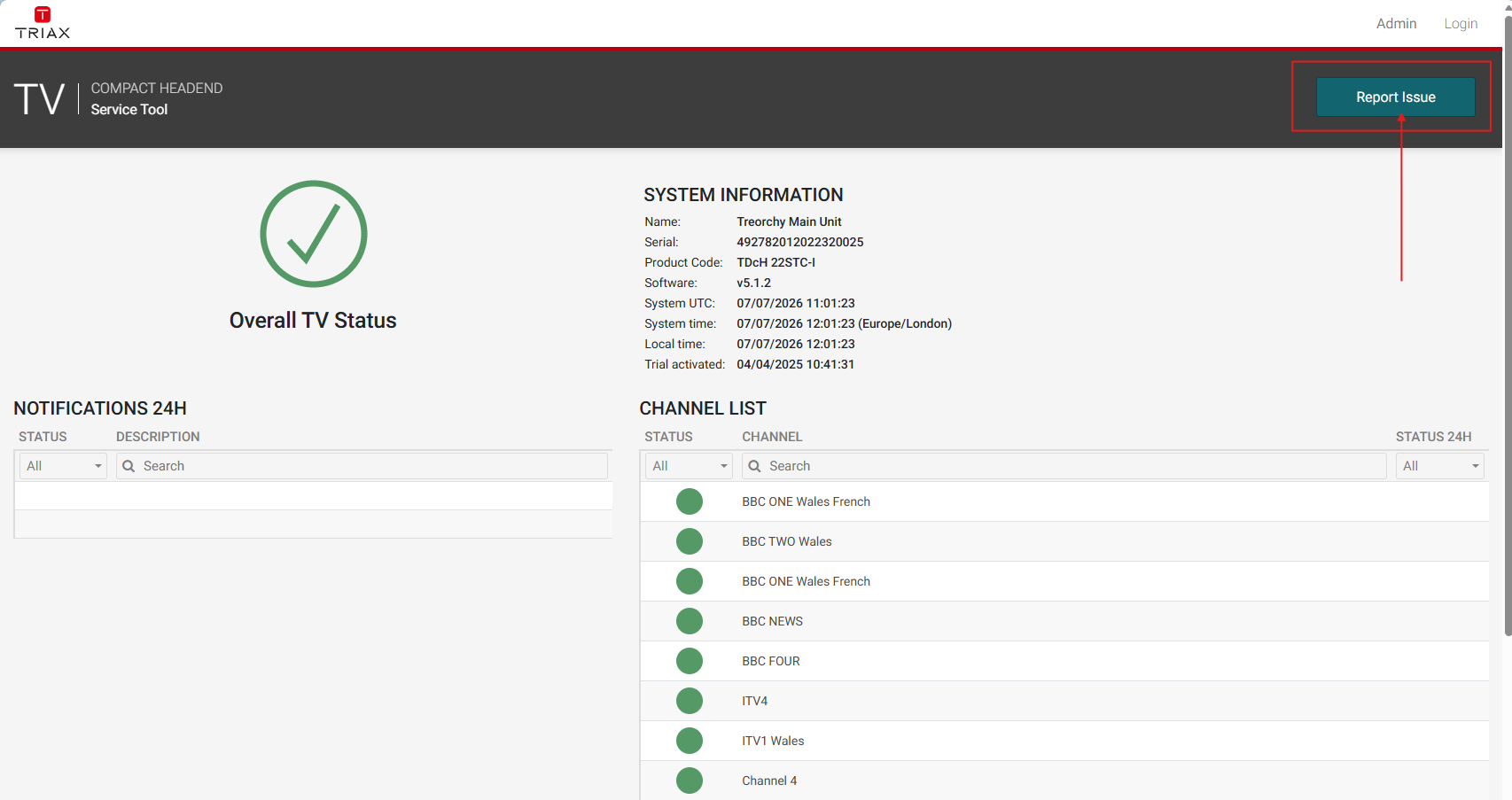
Click the "Report Issue" button in the Dashboard:
Then click on: "Download Log Files"
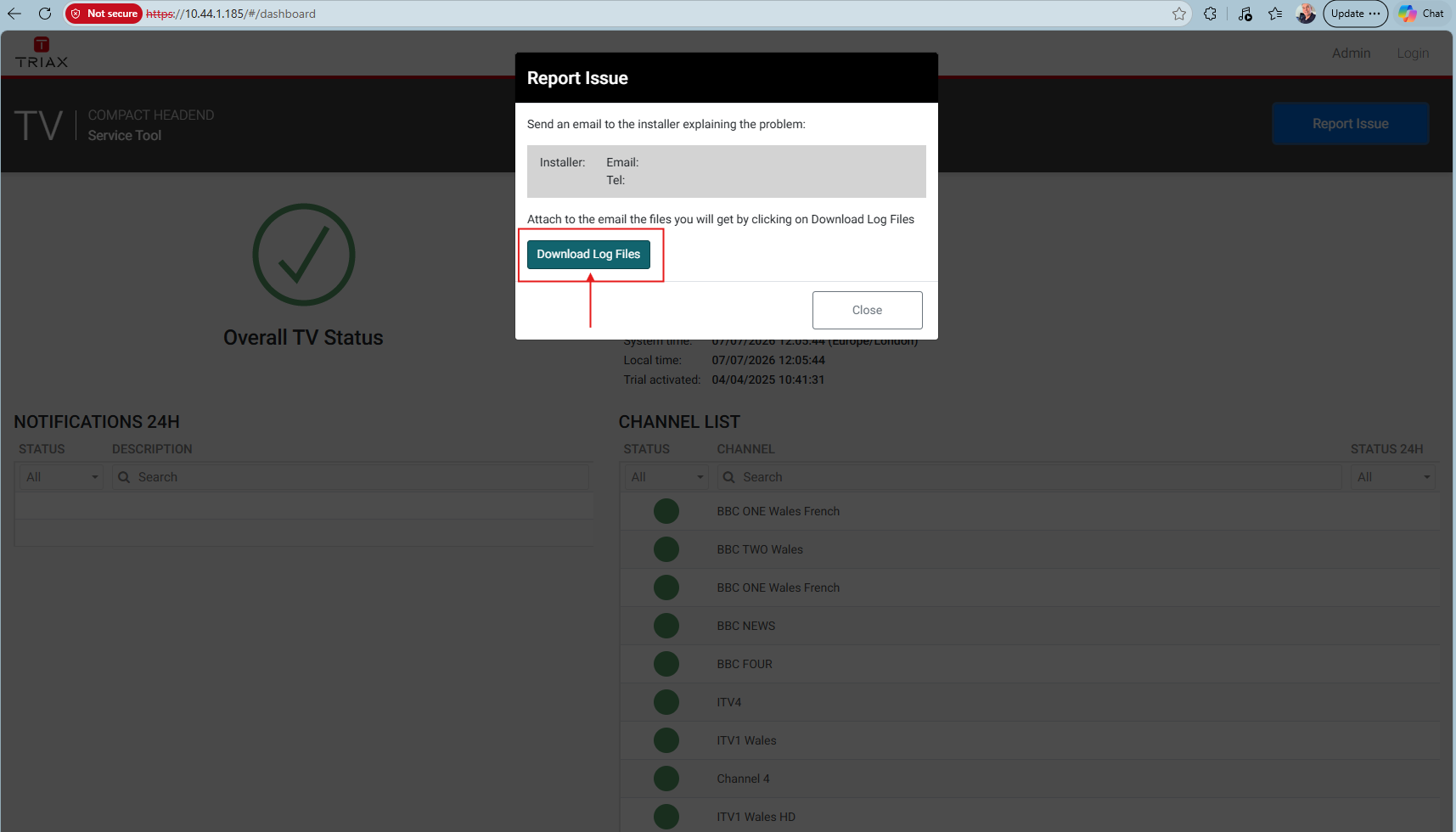
The Files will appear as a zipped file in the "Downloads" Folder on your PC
Please send the zipped file to support@triax.com