
Sometimes when working on more than one Headend at a time, switching from unit to unit using the same IP address can cause strange behaviour in the GUI with error codes being displayed and the GUI becoming unresponsive and/or GUI items missing.
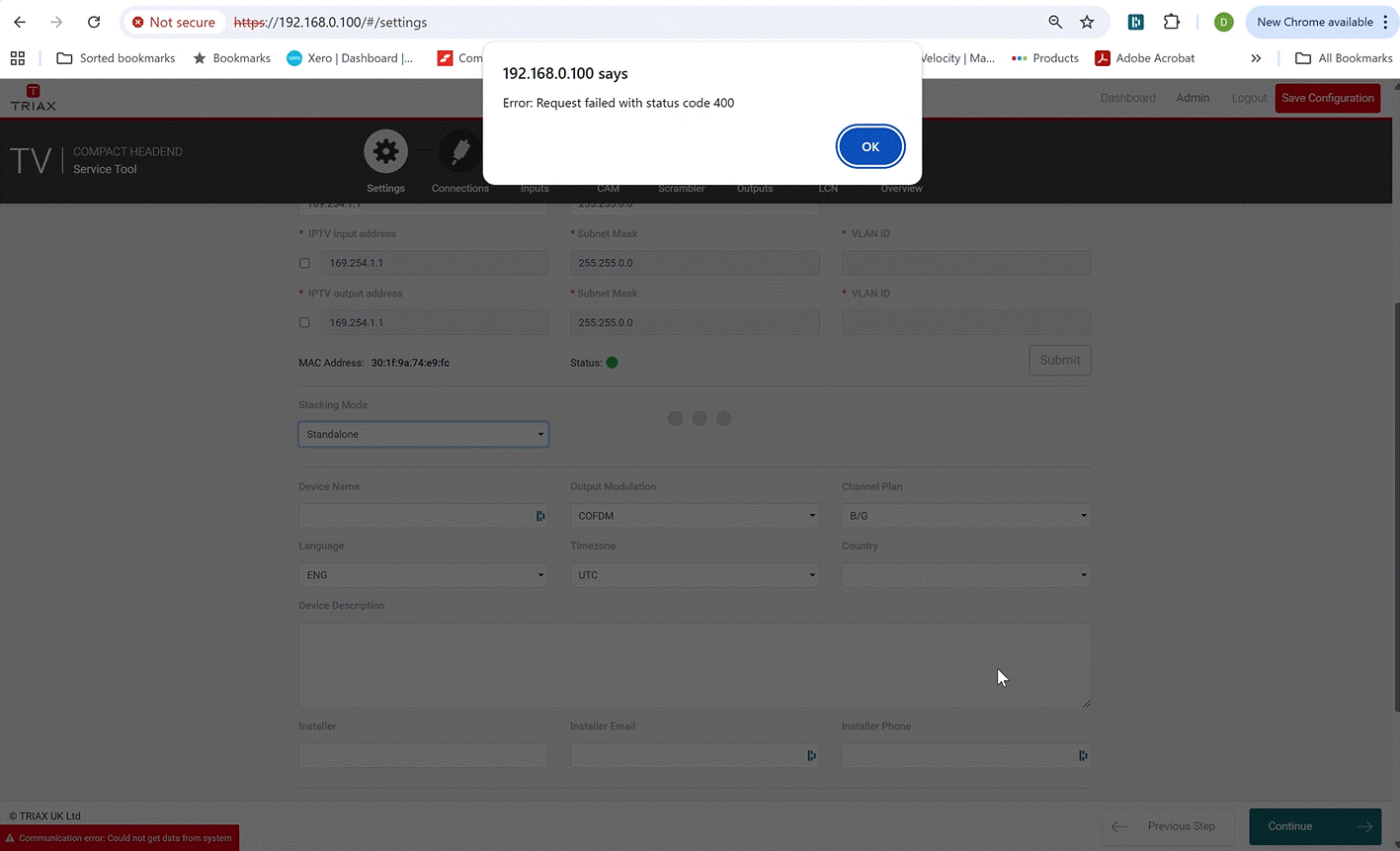
This typically happens when two TDcH/TDmH are setup with the same IP address, or if one unit is replaced with another unit and they both are configured with the same IP address. The ARP table at the PC is pointing to a MAC address for a given IP address, and if one TDcH is replaced with another and they are configured to same IP address, then the PC can’t find the unit.
How to recover:
- With only one TDcH connected
- Renew the ARP table at the PC to ensure that the MAC address is correct for the connected unit. (google it. A lot of “how to” guides exist)
- Refresh the GUI by pressing “F5”.
- The unit shall now be available.
- Now configure the two units to have unique IP addresses.
- Please remember that if the next TDcH unit is connected and it has same IP address, then you need to do same procedure again (renewing the ARP table).
You will probably not see this issue if units with same IP address are not connected “quickly” after each other, because the ARP table has an expiration time.